Use the plug-in without the Spatial Reality Display attached
You can use the plugin without a Spatial Reality Display attached.
Prerequisites
-
Have the Spatial Reality Display Plugin imported to your Unity project (see Set up for Unity).
To use without an Spatial Reality Display attached
-
Check Run Without Spatial Reality Display in Edit > ProjectSettings.. > Spatial Reality Display
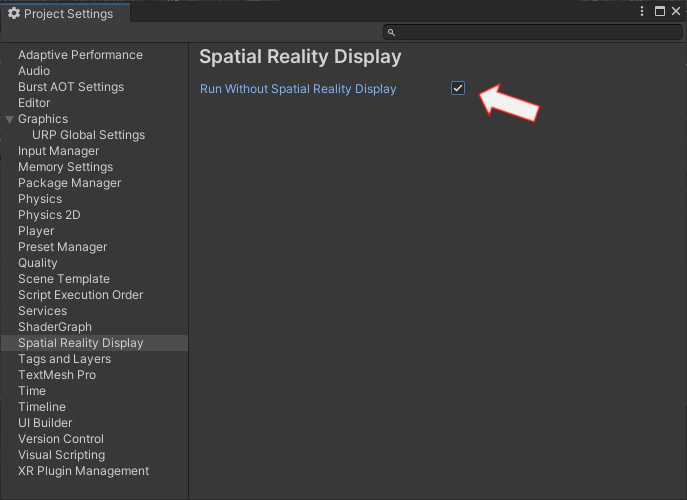 This activates the RunWithout mode. In the mode, you can check your app in the normal Game tab and navigate with your mouse(right-click drag and wheel).
Tips
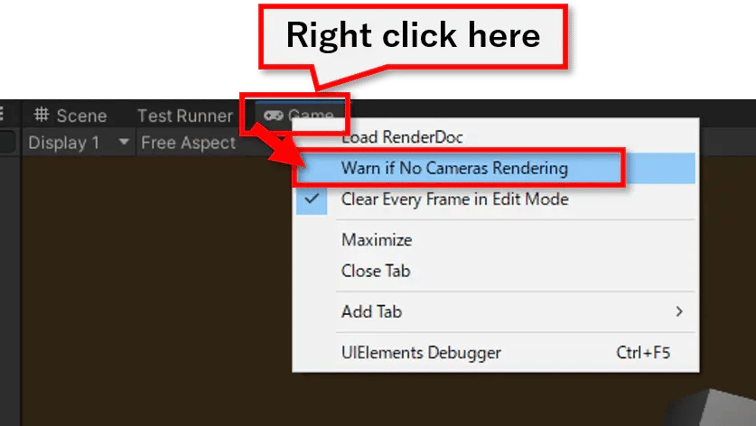
If you see the Display 1 No cameras rendering warning,
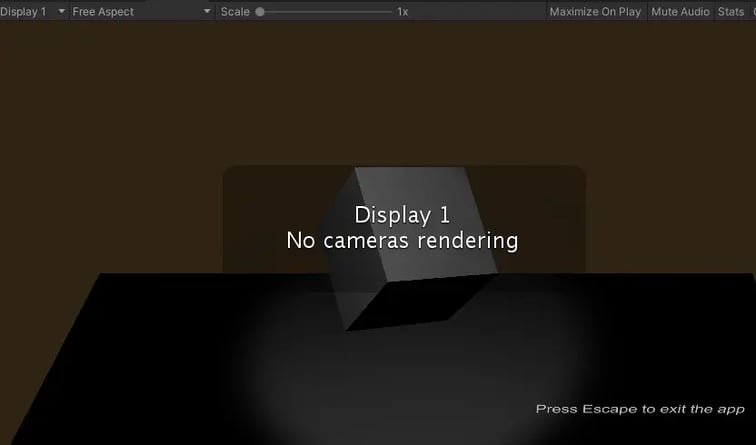
you can remove it by right-clicking on Game tab and checking on the toggle button.