

You can use the Spatial Reality Display Plugin for Unreal Engine even if no Spatial Reality Display is connected to the computer.
Prerequisites
- Have the Spatial Reality Display Settings application installed on your computer (see Setup Spatial Reality Display Settings)
- Have the Spatial Reality Display Plugin for Unreal Engine installed and correctly set up for your Unreal Engine project (see Setup for Unreal Engine)
To use without an Spatial Reality Display attached
Check Run Without SRDisplay Mode in Edit > Project Settings > Spatial Reality Display
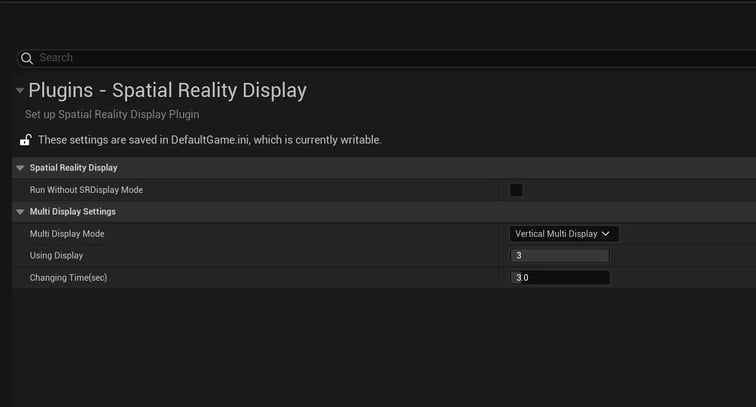
This activates the RunWithout mode. In this mode, you can run your app inside the VR preview and move around with your mouse (right-click and drag).


