





Spatial Reality Display Developer Site
About
The Spatial Reality Display reproduces spatial images in three dimensions as if they were real and can be viewed by the naked eye without special glasses or headsets.
SpecificationsLearning/Tips
Discover practical tips and usage examples for the Spatial Reality Display. Find the right content for your environment and apply it to your development.
Release Notes
View all newsRecommended news
Supports a variety of development environments
You can develop applications using various game engines and graphics libraries.
Case Studies
Spatial Reality Display is used in all industries and settings
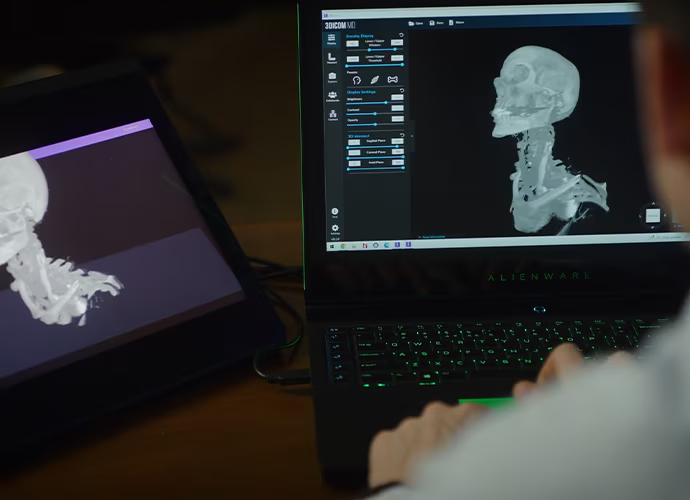
Singular Health Group
Ideal for review, collaboration, and patient education with the Spatial Reality Display.

AOIN
LA-based visual experiences creator uses Sony’s groundbreaking Spatial Reality Display to help design thrilling AR-assisted live show.
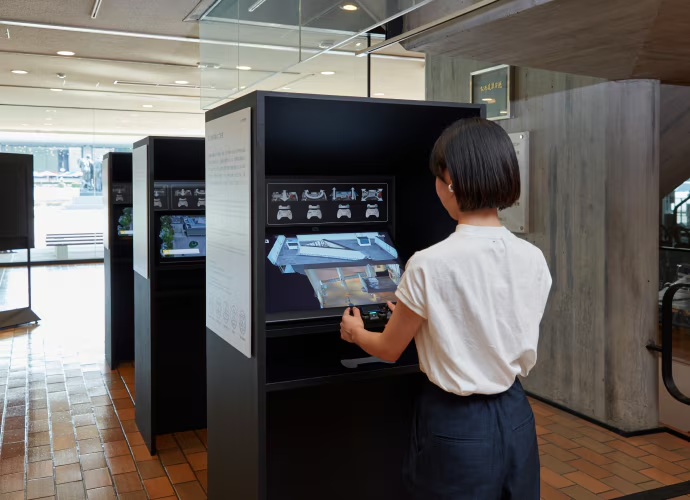
National Museum of Western Art
Sony ELF-SR2 Spatial Reality Displays allow museum guests to explore an interactive virtual 3D model of the culturally significant building.
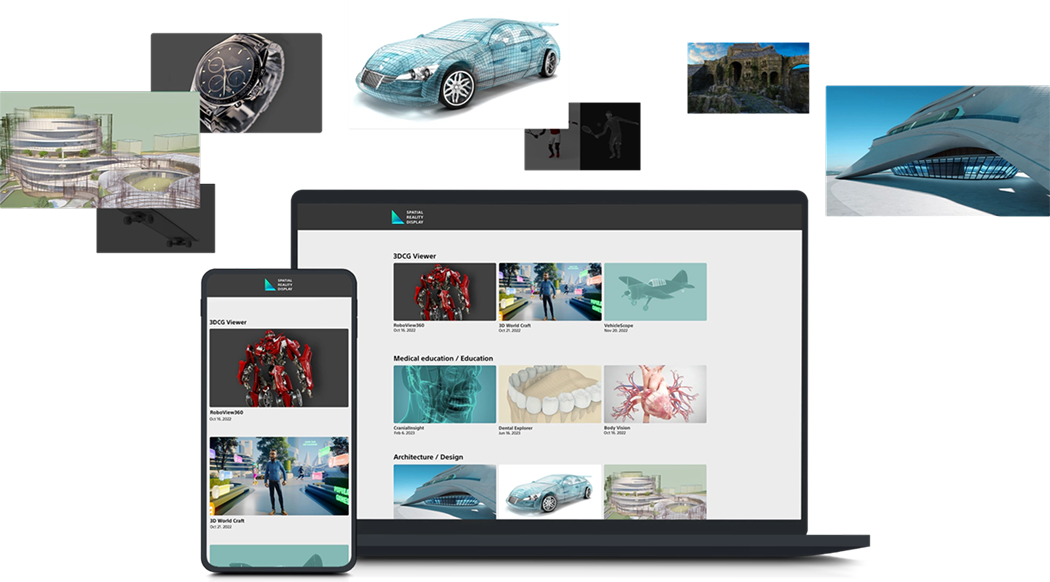
App Select
Visit the new Spatial Reality Display App Select website for a variety of exclusive applications and the latest application information.
Open App Select
FAQ
DirectX12 is not yet supported in Unity for ELF-SR1, please use DirectX11 in this case.
(1) Display the 2D menu screen in 3D-space using OpenXR.
(2) Create a dual-screen application. You will need a Spatial Reality Display and another PC monitor. This way, you can render the 3D content on the Spatial Reality Display using OpenXR, while the 2D menu screen is displayed normally on the PC monitor.
In addition, users can also switch between 3D and 2D display mode by pressing the Fn button on the Spatial Reality Display.
If you need more information, refer to the User Guide's FAQ.
If you need more information, refer to the following website and article.
for Japan: https://www.sony.jp/support/spatial-reality-display