mocopi VR
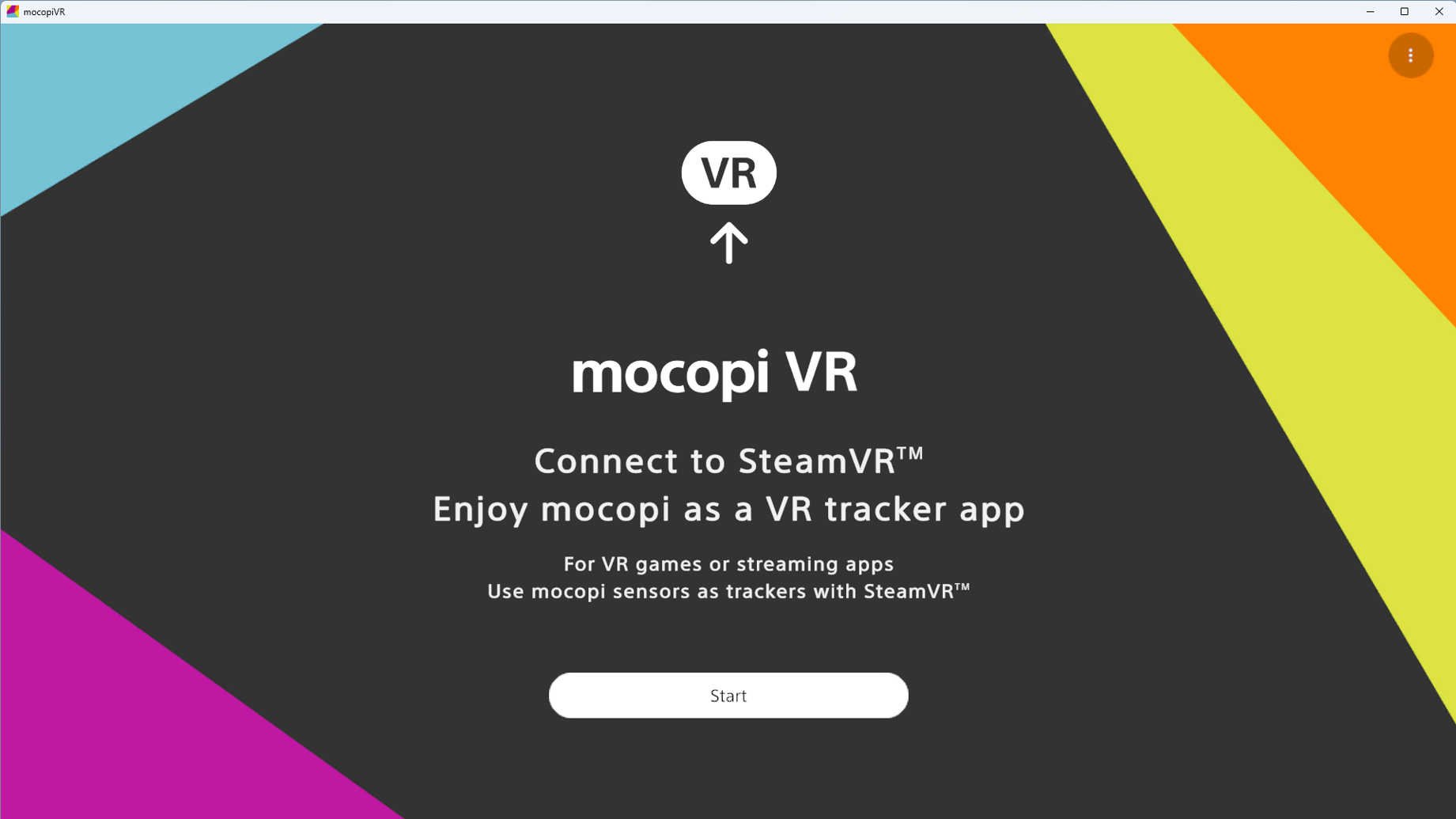
Software to enable the mocopi sensors to be used as a virtual trackers for SteamVR™.
What XYN Motion Studio can do for you
Easy and expressive
Motion Capture
Motion capture can be easily performed using " mocopi ". Motion capture accuracy can be further improved by using "Professional Mode*1 " via a dedicated receiver.
Efficient
timeline editing*2
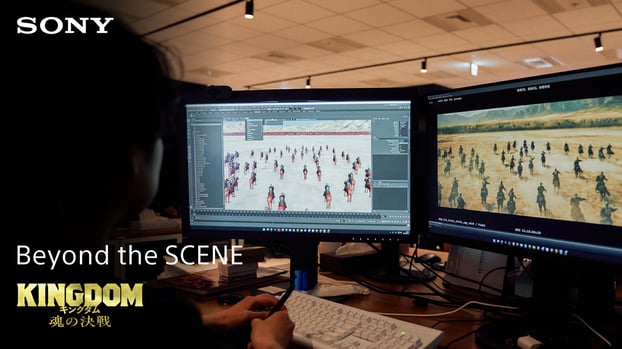
Timeline editing, such as trimming and compositing of motion data, and automatic generation of intermediate motion (tween) that smoothly connects two motion data are available. This allows users to quickly create ideal animations and increase editing productivity.
Cloud Storage and Utilization ofMotion Data
Captured motion data can be stored in the cloud. Motion data can also be tagged for text search. You can also download necessary motions from Sony's preset motion library.
手軽で表現力の高い
モーションキャプチャー
『mocopi』を用いて手軽にモーションキャプチャーが可能です。専用レシーバーを介した「プロフェッショナルモード*1」を使用することで、モーションキャプチャー精度が更に向上します。
効率的な
タイムライン編集*2
モーションデータのトリミングや合成といったタイムライン編集や、2つのモーションデータ間を滑らかに繋ぐ中間モーションの自動生成 (Tween) が可能。理想的なアニメーションを迅速に制作し、編集作業の生産性を高めます。
モーションデータの
クラウド保管と活用
キャプチャーしたモーションデータをクラウドに保管ができます。また、モーションデータへのタグ付け機能によりテキスト検索ができます。ソニーのプリセットモーションライブラリから必要なモーションをダウンロードすることも可能です。
*1 Two sets each of mocopi (QM-SS1) and mocopi sensor data receiver (QM-PR1) and one set of mocopi sensor band (QM-PB1) are required to use professional mode (12 sensors connected).
*2 Supported data standard is motion data captured by mocopi only; non-mocopi motion data will be supported in future updates.
What is mocopi VR?
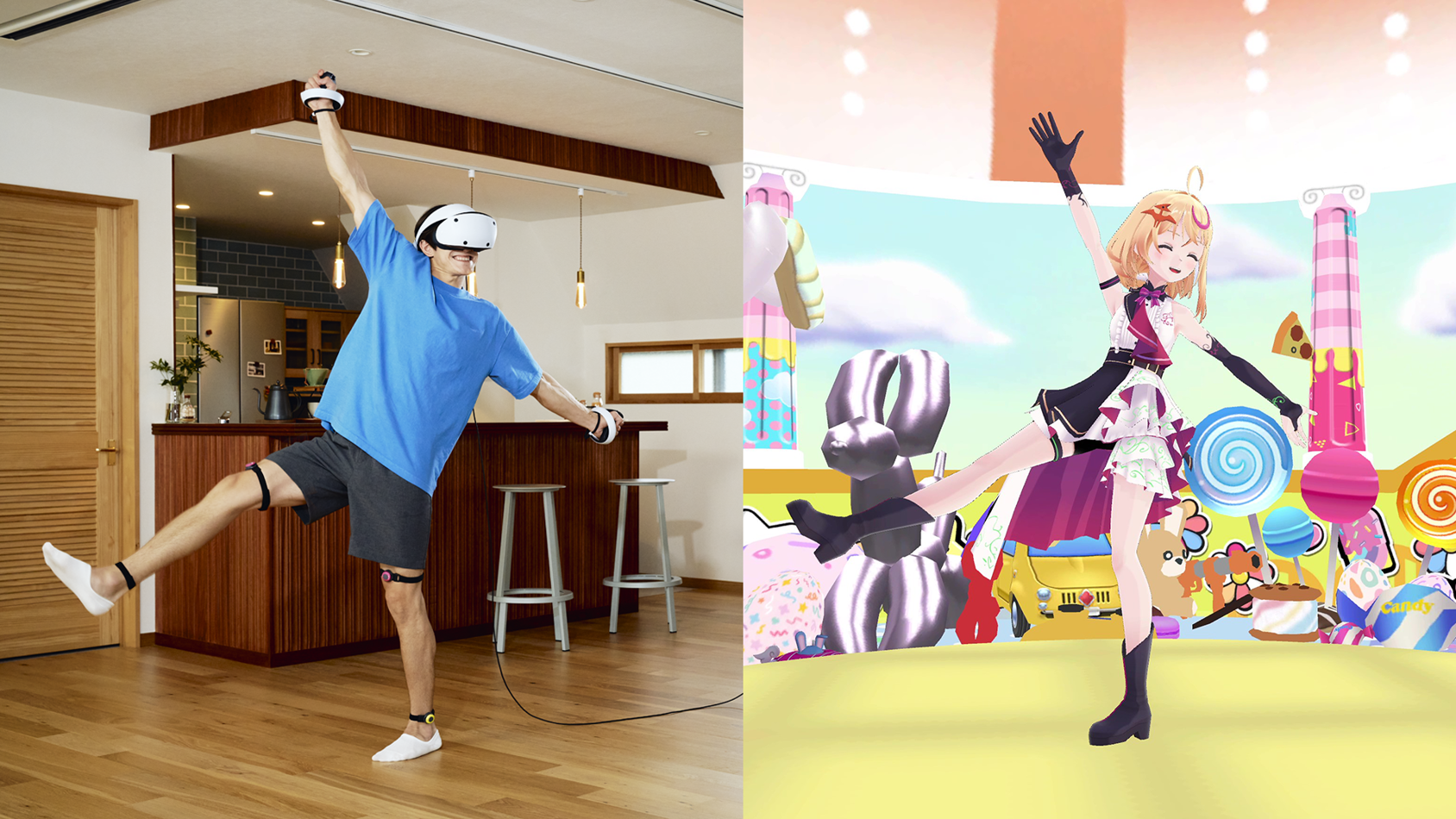
This software allows mocopi sensors to be used as virtual trackers in SteamVR. By combining mocopi sensors with SteamVR-compatible VR devices, you can enjoy a full-body tracking experience in various VR applications, including VRChat.
The mocopi VR app is available free of charge with full functionality.
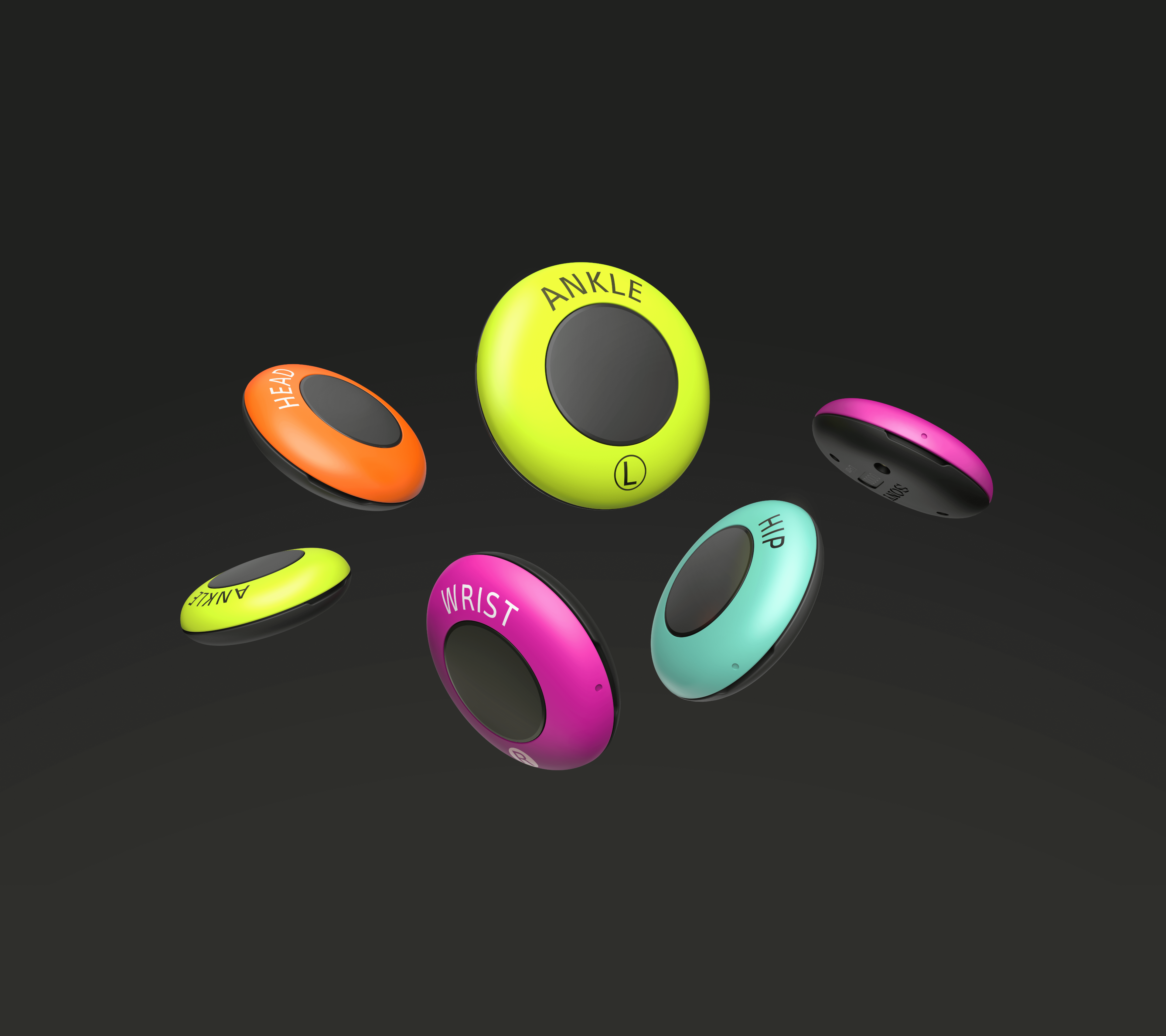
*The mocopi VR app requires mocopi 6 sensors, a mocopi Sensor data receiver, and a SteamVR-compatible VR device.
Make it move exacltly as you do
Sony's proprietary algorithms reproduce your movements with more fidelity. Floor slippage is greatly reduced, enabling a VR experience that synchronizes both your movements and your mind.
*Accuracy may vary depending on the avatar used.
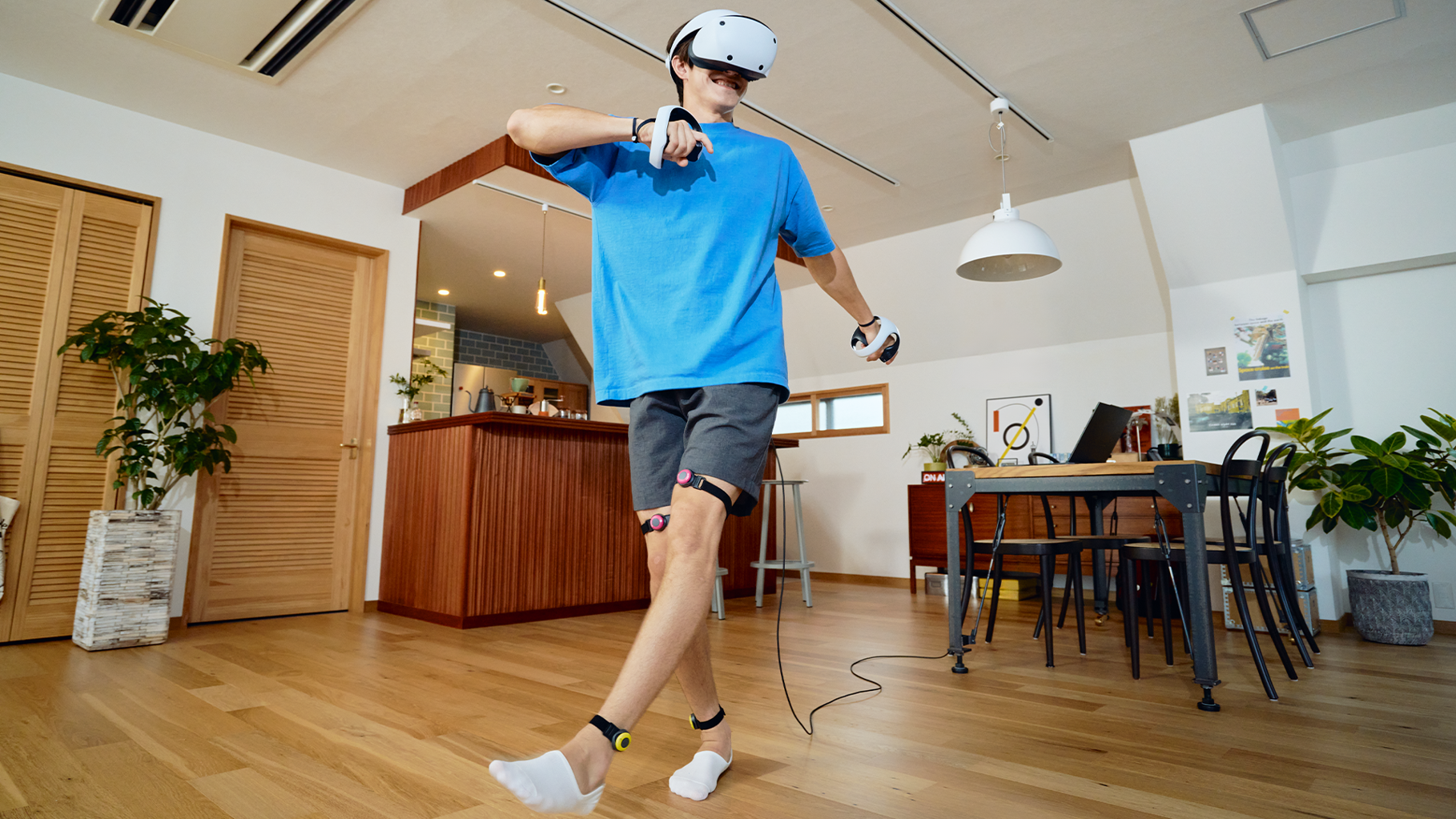
Algorithm optimization tailored to VRChat use
Employs algorithms designed to minimize tracking drift, even during extended use.
*Reduces drift in situations where the user remains stationary for long periods, such as when seated.
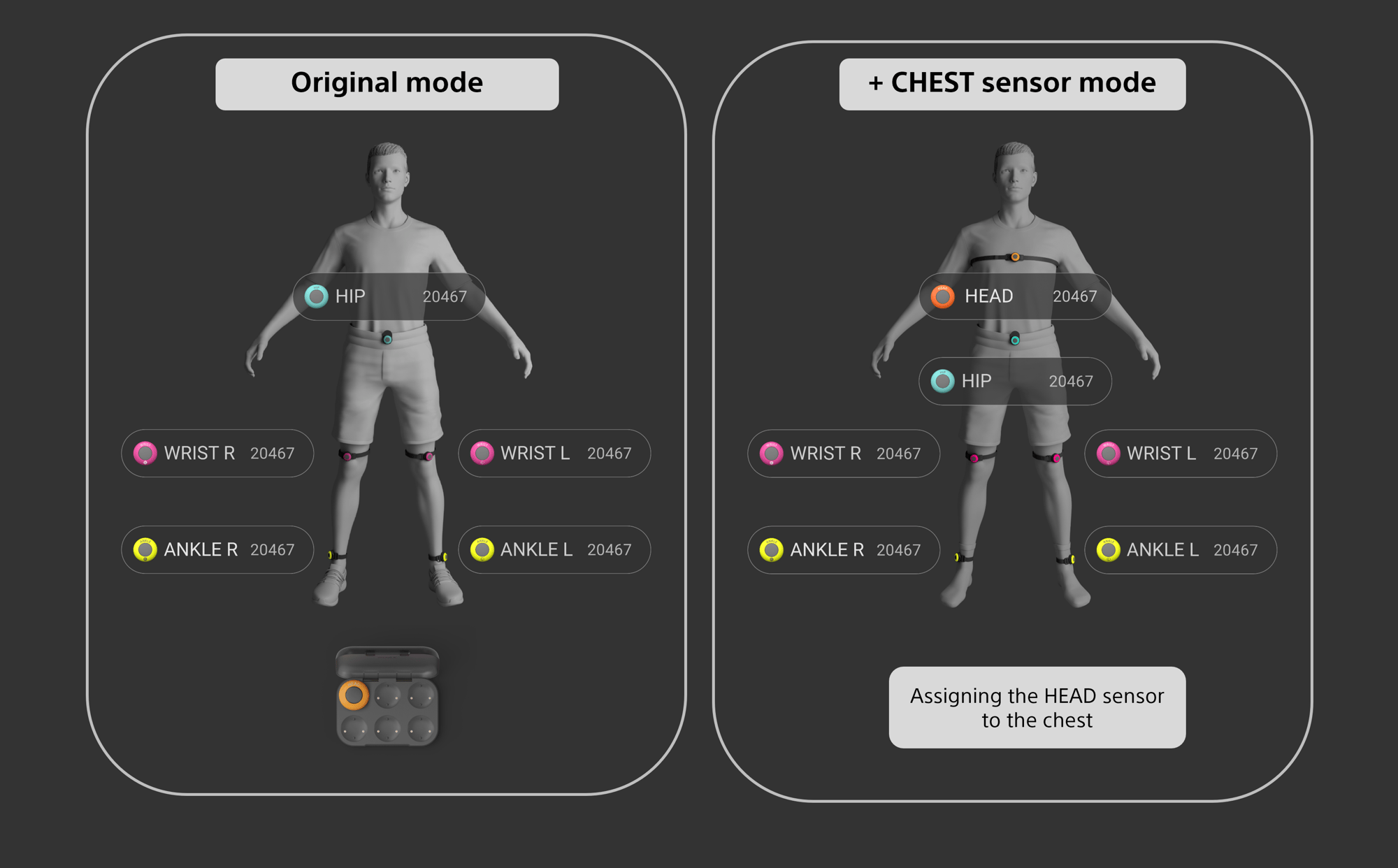
Designed for intuitive operation and comfort
With a simple and intuitive UI, overall operability is improved. Calibration can be performed by pressing the HIP sensor even while wearing a VR device.
Simply attach the lightweight, compact sensors to the designated body parts to easily achieve full-body tracking.
mocopi offers a wearing experience so natural that it feels almost unnoticeable.
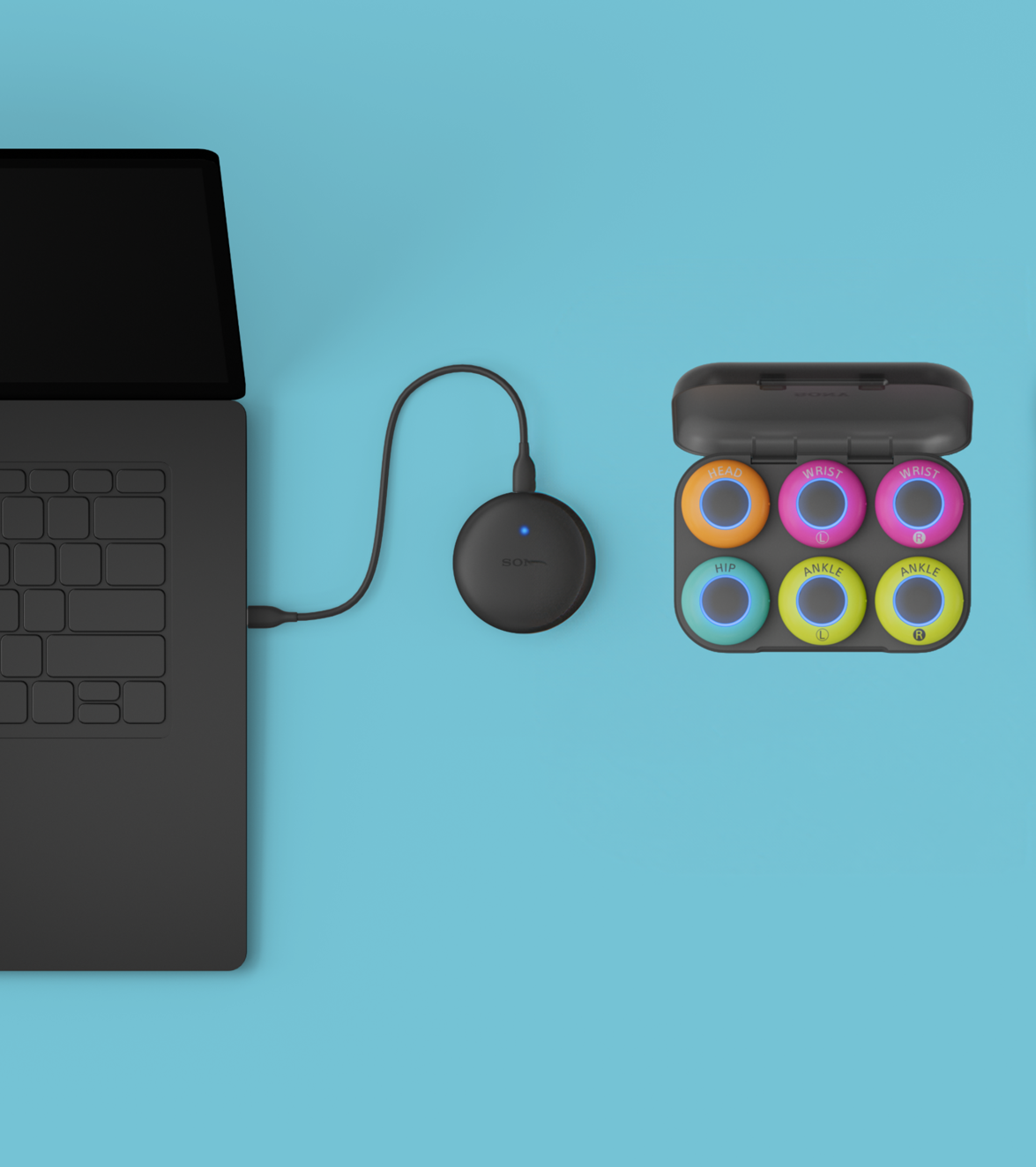
Easy connection to PC
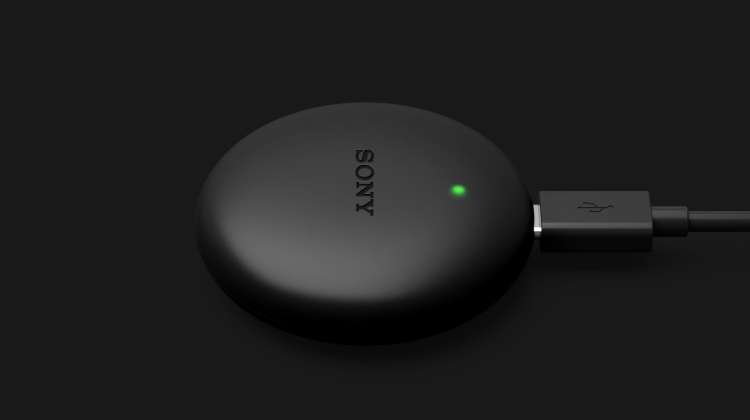
The mocopi Sensor data receiver (sold separately) is required to use the mocopi dedicated PC applications*.
*XYN Motion Studio app, mocopi PC app, mocopi VR app
Camera blending*4
Combining motion data from "mocopi" with motion data acquired by an external camera reduces positional and rotational deviations during continuous use. It also improves capture accuracy in 6-point connections.
*Specifications and design of the screen on the leftmay be changed or updated in the future due to software updates, etc.
*If camera recognition does not work properly, motion data correction may be inaccurate.
*The function to improve capture accuracy is turned off by default. If you wish to enable this feature, please change it in the camera blending settings.
Recommended PC specifications
| CPU | Intel® Core™ i7-11700 |
|---|---|
| GPU | NVIDIA® GeForce RTX™ 3060 |
| RAM | 16GB |
| OS | Windows 10 (64 bit) or higher |
Other Information
Connection with mocopi link app is no longer supported in mocopi VR app.
The prebious version of the mocopi VR app that supported connection with the mocopi link app is available on Steam as a “beta” version.
What you can do with XYN Motion Studio
Lightweight and expressive
motion capture
Easily capture motion data using "mocopi". Further enhance accuracy by utilizing "Professional mode*1" through a dedicated receiver.
Efficient motion data
timeline editing*2
The motion data timeline editing and automatic in-between motion generation (Tween) functions allow the user to quickly produce ideal animations and edit with increased productivity.
Cloud-based
motion data utilization
Captured motion data can be saved in the cloud. The tagging feature enables efficient text search within the motion data. Additionally, download necessary motions from Sony’s Preset Motion Library for enhanced creativity and convenience.
*1 To connect 12 sensors in Professional mode with XYN Motion Studio and the mocopi PC application, two sets each of mocopi (QM-SS1) and Sensor data receiver for mocopi (QM-PR1) and one set of Sensor band for mocopi (QM-PB1) are required. mocopi pc app and XYN Motion Studio is compatible with Microsoft Windows. Download app at Microsoft Store. Network services, content, and operating system and software subject to terms and conditions and may be changed, interrupted, or discontinued at any time and may require fees, registration, and credit card information.
*2 Motion data editing is available only for motion data captured by mocopi. Motion data from sources other than mocopi will be supported in future updates.
What are the features and features of XYN Motion Studio
その他の特長と機能
手軽なモーションキャプチャーをより精度高く
XYN Motion Studio*1では、6つの小型センサーを装着するだけでフルボディトラッキングできるモーションキャプチャー『mocopi』を用いて、手軽なモーションキャプチャーが可能です。専用レシーバーを介した”プロフェッショナルモード”(12個のセンサー接続)*2や”カメラブレンディング機能*3を使用すれば、モーションキャプチャー精度の更なる向上も実現します。
効率的な
モーションデータ編集
モーションデータの編集機能に加え、2つ以上のモーションを滑らかに繋ぐ自動補間(トゥイーニング)機能を利用することで、理想的なアニメーションを迅速に制作し、生産性を高めた編集作業を実現します。
クラウドによる
モーションデータ活用
クラウド機能やモーション自動タグ付け機能により、モーションデータの管理と活用時の利便性を高めます。
Learn more about mocopi VR
Support
Product News
Case Studies
Virtual Reality Xperience
Agile Lens
Evolves with mocopi Professional mode
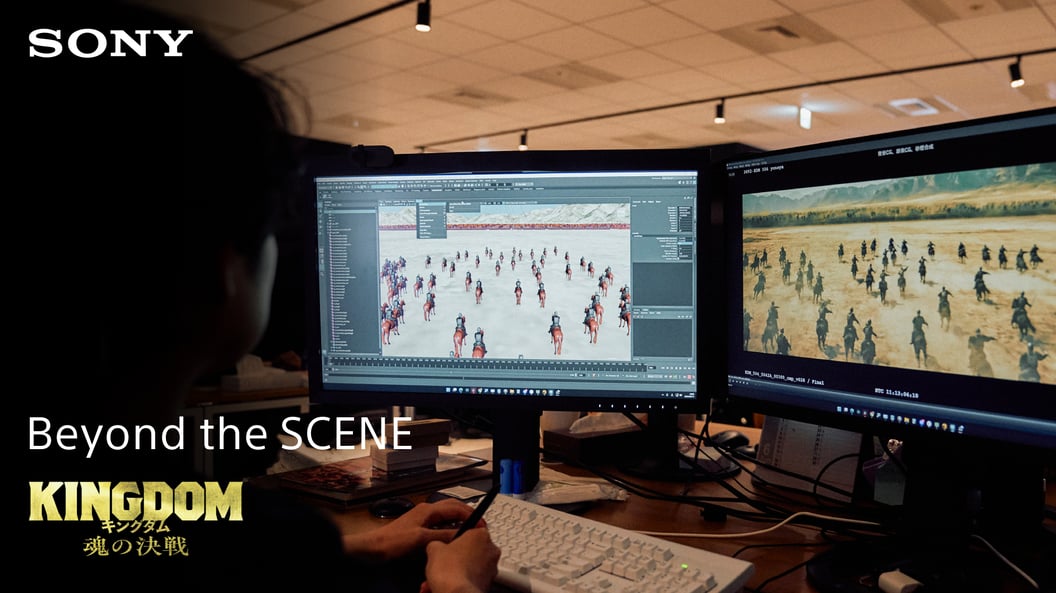
VFX Supervisor/CG Artist Takayuki Ueki, VFX Artist Shoichiro Sato
SHIROGUMI
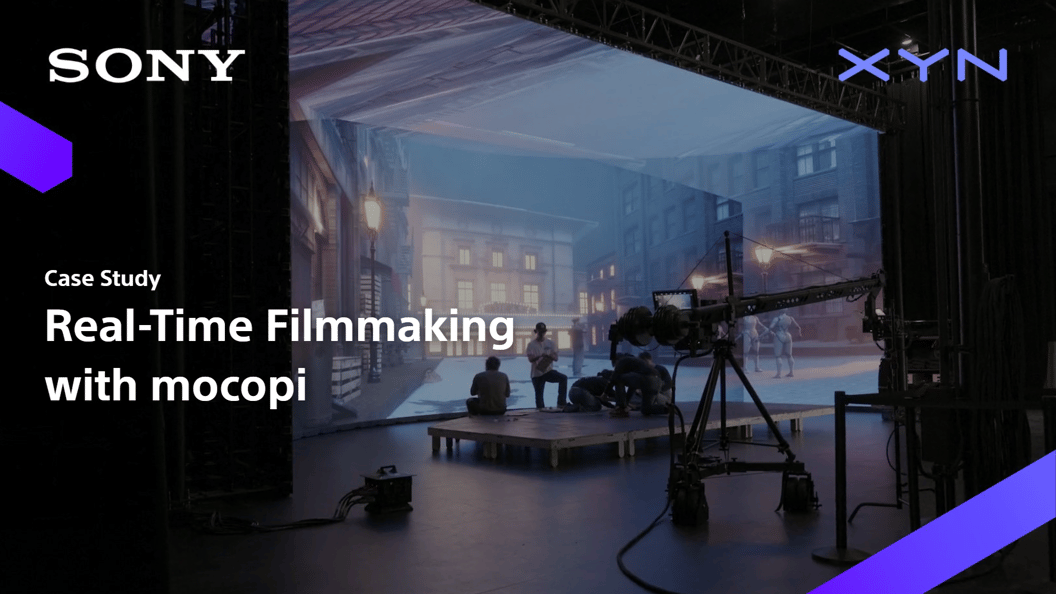
mocopi VR
- Sony Corporation
- Software to enable the mocopi sensors to be used as a virtual trackers for SteamVR™.
FAQFAQ
-
Please update to mocopi VR v1.1.0 or later and check again.
- When VRChat or other applications are active, the processing speed of mocopi VR may slow down.
- When displaying the desktop in VirtualDesktop, the update speed of mocopi VR may slow down, which may be fixed by lowering [SETTINGS -> Frame Rate] in the settings of the HMD application in VirtualDesktop.
-
In the case of Windows 11, turning off windowed game optimization may resolve the issue. When turning off windowed game optimization, please add both [mocopi VR] and [Target Game].
- Update to mocopi VR v1.1.0 or later and check again.
- Perform a pose reset and recalibration. If the problem is not resolved, the room scale (boundary line) setting may be misaligned.