









In this article
The steps to start taking pictures with XYN Spatial Scan Navi.
*As of April 2026, this service is available for corporate customers with accounts. Contact us
*The screen images shown here are for illustrative purposes only and are subject to change.
What is XYN Spatial Scan Navi?
XYN Spatial Scan Navi is a smartphone application that supports the shooting of spatial content by connecting a digital SLR camera α™ and a smartphone. AR navigation, real-time previews, and metadata linkage help streamline the shooting process.
Necessary Equipment for Shooting
For detailed specifications of equipment, please see here.
- Camera
- Lens
- Memory cards
- Smartphone: iPhone
- iPhone fixing device
- USB cable
Quick Start Guide
Install XYN Spatial Scan Navi
XYN Spatial Scan Navi is an iOS application that connects to your camera.
Please download it after creating an account.
Setup
-
Attach the rig to the accessory shoe or a similar mount, and secure it so that the camera and smartphone are facing the same direction. Connect the camera and smartphone using a USB 3.1 or 3.0 Type-C to C cable. For the camera’s connection mode, select “PC Remote.”
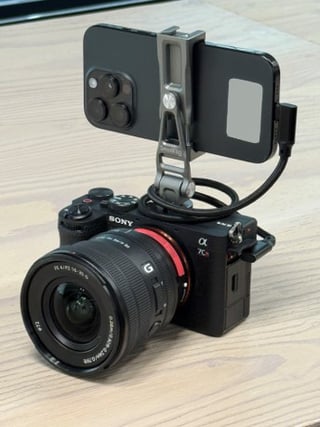
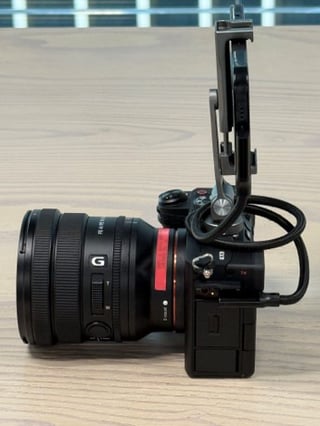
- Set the mode dial to M and the drive mode dial to Single Shooting. Also, set the lens focus switch to AF and the aperture ring to A.
You are now ready to shoot. For details on how to take a picture, please see here.
Sign in
To use the application, you need to create an XYN account. See here how to create an account.
- Sign in with the XYN account you have already created.
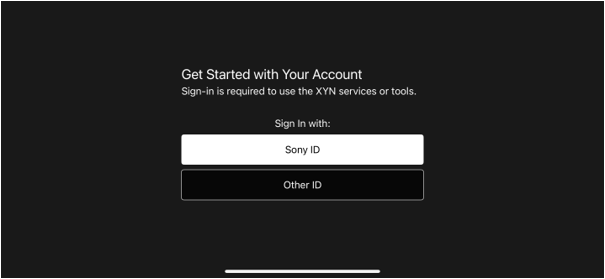
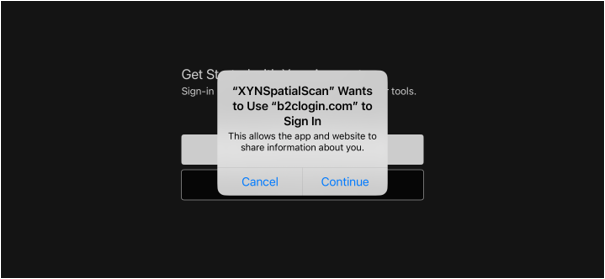
- Select an account and an authentication code will be sent to your email address.
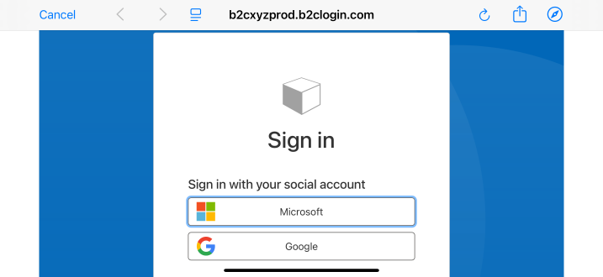
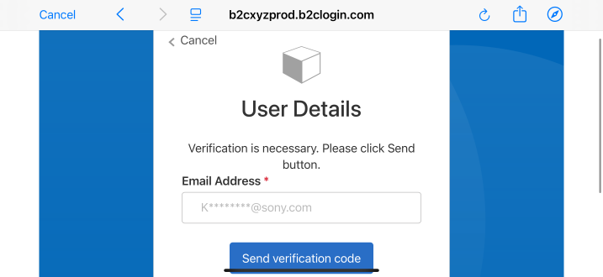
- Enter the verification code and authenticate to sign in.
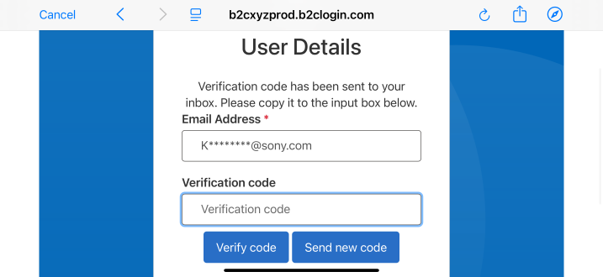
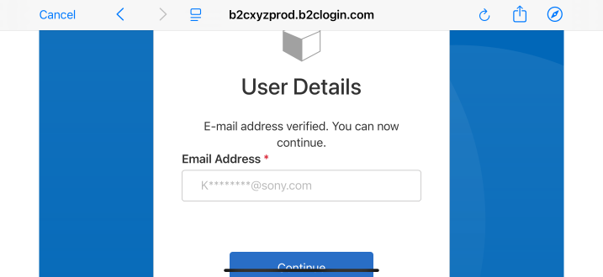
For detailed instructions, please watch the video below.
Basic operations and screen explanations
Please see here.
Specifications
For detailed application specifications, please see here.


