









Develop Pulug-ins for Spatial Reality Display
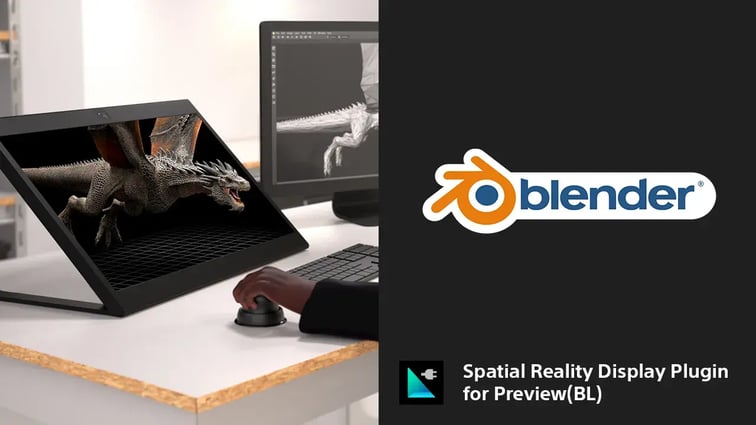
Spatial Reality Display is a display that allows users to visualize high-definition 3DCG images with the naked eye without the use of glasses or headsets. By installing a plug-in, 3D data can be viewed stereoscopically on a Spatial Reality Display, enabling highly accurate confirmation of modeling shapes and motion graphics animations. This is expected to improve the efficiency and quality of the 3DCG production process. We have now made the plug-in for Blender open source. You can customize and implement your own functions by using this open source.
What is Blender Plug-in?
Join the Blender Plugin OSS Project
Blender has a high degree of freedom and can be used in a variety of ways. Therefore, there may be requests such as "more like this" or "more functions like this". To meet such needs, Blender plug-ins are released as OSS projects on GitHub, allowing developers to freely customize them.
Benefits of Participating in OSS Projects
After modifying the source code, a script is provided to automatically compile it into a zip file by running the patch file. This makes it easy to install and activate plug-ins from add-ons in the Blender application. It takes less than a minute to try out the plugin.
If you have a GitHub account, you can contribute your own changes. Features you develop may be incorporated into the official plugin. If you find it difficult to contribute changes to the source code, you can still post your opinions, report bugs, and request feature improvements on GitHub. Committing to an OSS project is a way to prove your competence as an engineer anywhere in the world.
We invite you to participate in OSS projects.
Q&A
Q. Can I contribute to OSS projects without owning Spatial Reality Display?
A. No. You do not necessarily have to own Spatial Reality Display, but if you are interested in Spatial Reality Display, you are welcome to contribute your opinions and modify the documentation. In the future, we plan to release Tips that will allow people to try out the plug-ins even if they do not own Spatial Reality Display.
Q. I don't know how to specifically modify a plugin.
A. We are planning to release Tips for adding simple functions to the plug-ins. Please start by reading through Spatial Reality DisplayViewer/Spatial Reality DisplayViewer.py.
Q. Do you plan to make an OSS project besides Blender?
A. We would like to consider it depending on customer requests.
Q. What is the specific method of contribution?
A. Please refer to SR-Display-Plugin-Preview-BL/CONTRIBUTING.md
Q. Can I consult plug-ins for tools for 3D production other than Blender?
A. Yes, we welcome discussions on plug-ins for tools other than Blender. Please contact us.


