









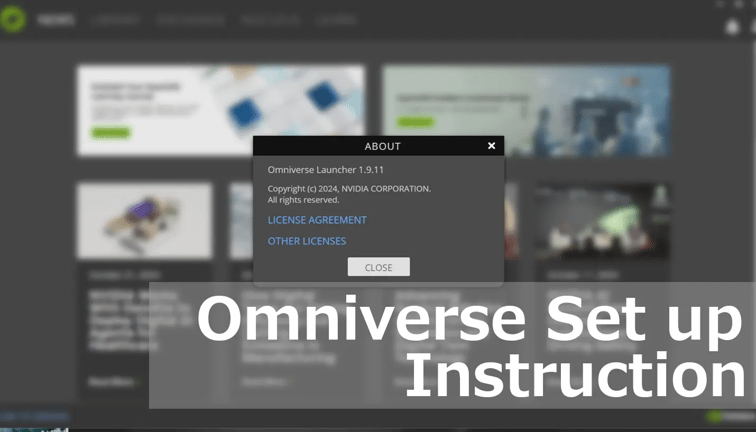
With the recently released SDK 2.4.0, OpenXR is now supported and Omniverse can be used with Spatial Reality Display. This article describes the setup procedure.
1. Install Spatial Reality Display Settings 2.4.0 from Sony website Download Page
2. Enable OpenXR in the Spatial Reality Display runtime
- Run the Spatial Reality Display runtime settings.
- Under the Others tab, under OpenXRDevice settings, click “Set Spatial Reality Display” as the active device to enable the Spatial Reality Display’s OpenXR runtime.

3. Install NVIDIA's Omniverse launcher 1.9.11 by following NVIDIA’s documentation


4. Install Omniverse USD Composer 2023.2.5

5. Open the VR window in USD composer
- In the top main menu, go to Window -> Rendering, and check the VR option.
- In the VR menu, adjust the camera placement and other settings. These steps are optional but they will help the viewing experience on the Spatial Reality Display:
- Under Advanced Settings, set Physical World USD Anchor to Scene Origin.
- Set Selected Output Plugin to OpenXR.
- Set Quality Preset to Balanced.
- Set Resolution Multiplier to 1.0.

6. Click Start VR to run VR mode in USD composer using OpenXR
- If the content is too large, you can scale down the model so that it fits in the Spatial Reality Display view space.
.webp?width=351&height=624&name=open-xr%20(1).webp)


