









In this article
Instructions on how to start using the XYN Spatial Renderer Plugin.
*As of April 2026, this service is available for corporate customers with accounts. Contact us
*The screen images shown here are for illustrative purposes only and are subject to change.
What is XYN Spatial Renderer Plugin?
XYN Spatial Renderer Plugin is a renderer plugin designed to ensure high-quality, stable display on large virtual production LED walls for 3D CG assets created by using XYN Spatial Scan. It can be used by installing it in virtual production shooting environments such as Unreal Engine.
Download the plug-in
Please download from the application's plugin list.
Install to Unreal Engine
- Please place the plugin files in the folder containing your installed Unreal Engine.
Example:In the case of UE5.5
UE_5.5>Engine>Plugins>Marketplace( If there is “Marketplace” folder, please create one. ) - Launch Unreal Engine and add XYN Spatial Renderer Plugin.
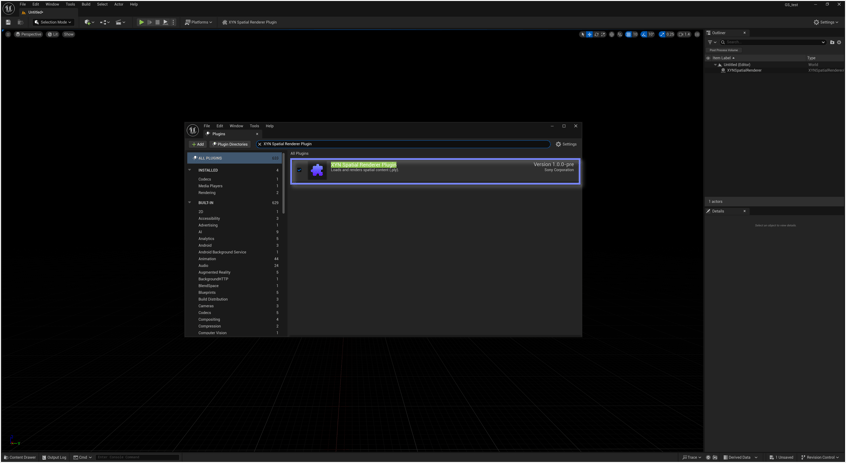
Play the PLY data
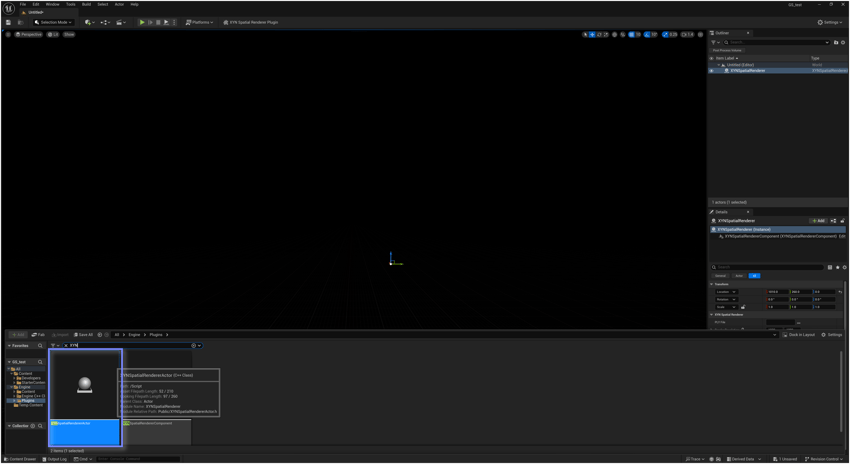
- Add the XYNSpatialRendererActor.
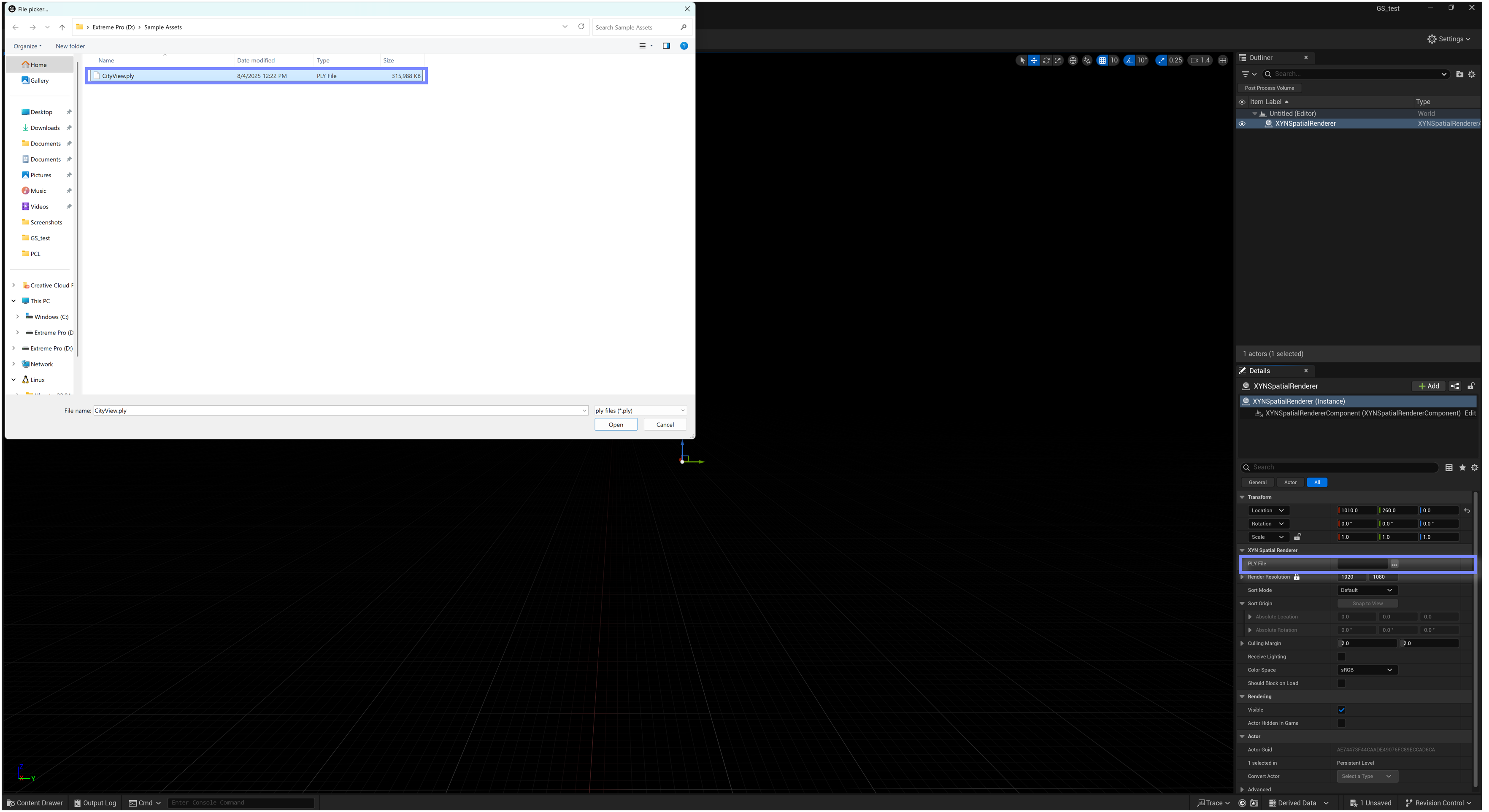
- Select the PLY data to play
Activate License
- You can hide the watermark by activating your license.
- Add the license file to the folder containing the plugin files.
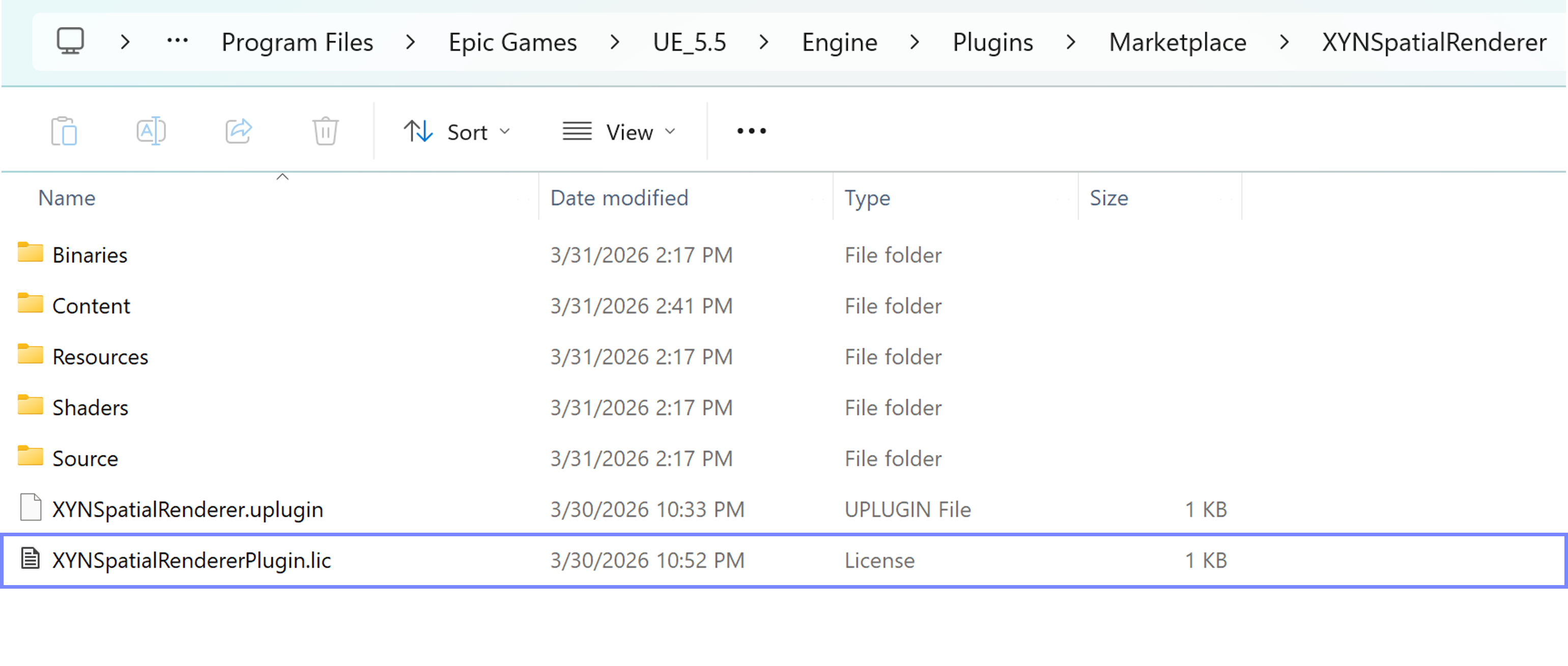
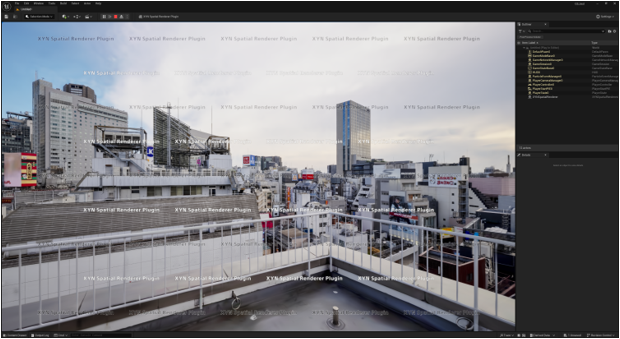
If you do not activate the license, a watermark will appear
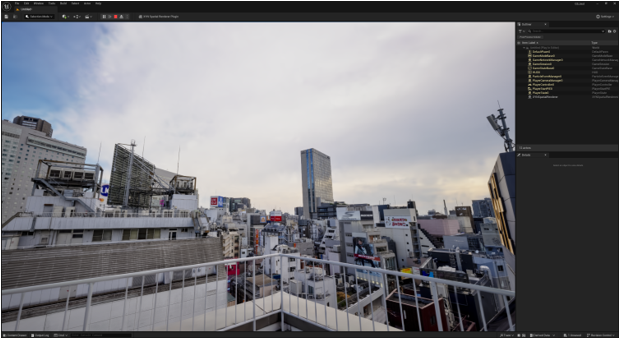
Once you have activated your license, the watermark will disappear.


